04 20 00 Unit Masonry
Find the 04 20 00 Unit Masonry reference and see how to check unit masonry scope against wall types, drawings, and related sections.
Quick answer
Project manuals use 04 20 00 for Unit Masonry in Division 04, Masonry. Look here when drawings call for masonry built from units such as brick or concrete masonry units. Check the project manual for the specific assemblies and whether it groups the units in one section or specifies them separately.
Example: checking a concrete masonry wall package
A masonry estimator identifies the concrete masonry wall types on the plans and follows each wall type to its details and specification references. The estimator checks the applicable section for unit types, mortar, grout, reinforcement, and accessories where the project assigns them to masonry. The details show where different wall types meet and where openings, supporting work, or other trades affect the assembly.
For an exterior wall, compare the masonry requirements with the enclosure details before pricing the full assembly. Items such as flashing, air barriers, or insulation can have separate specification sections and scope assignments. Keep an explicit scope note where more than one trade contributes to the same detail.
Verify the wall type against the bid scope
- Unit selection. Match the wall type and finish shown on the drawings to the applicable masonry section and any schedules.
- Assembly interfaces. Check details at openings, penetrations, and transitions for coordination with adjacent work.
- Review and testing. Check the masonry section and project-wide quality procedures for the submittals, samples, mockups, or tests required for that work.
Keep the specification reference with the wall type
A takeoff may group walls by thickness, finish, or location. Retain the wall type and section reference on each group so a change to one wall can be traced through pricing, submittals, and installation. For example, if an addendum changes a masonry finish at an entry, use the updated detail and specification to identify the affected quantities and materials. Review those references again when the installer proposes a substitution or when coordination changes the location of an opening.
Verify the section in CSI Dynamic Standards
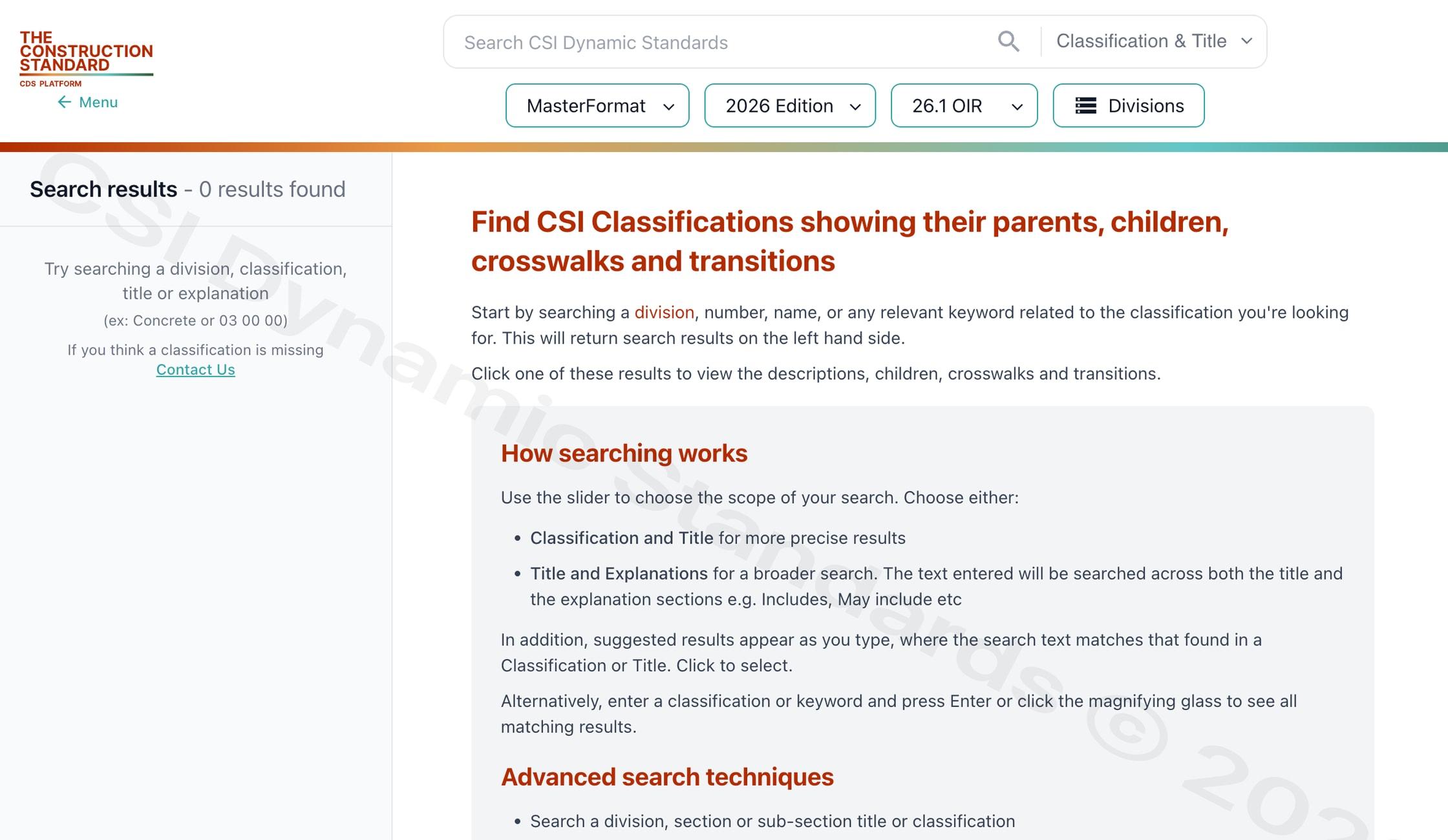
In CSI Dynamic Standards search, enter 04 20 00. Compare the number and title with the MasterFormat edition used for the project. If the project manual uses a different title, search by the work description as well, and compare the nearby results before selecting a reference.
An edition change and a project addendum answer different questions. The edition identifies how the work is classified. The addendum can revise what a team must price or deliver. If you are reusing an office master or an estimate from another job, compare both the classification and the current scope before carrying over the reference. Record which documents you checked and when, especially if another team will use the same reference later for procurement or field review.
Keep the section number and title printed in the project manual when recording a bid item, submittal, or field question. If you also track a classification for a different edition, record that separately so your team can trace the decision back to the original project documents. Browse the parent MasterFormat division for related work, or see CSI section number lookup for help finding other references. Sign up for access to use the platform.
Access Current CSI Standards
CSI Dynamic Standards provides authorized access to MasterFormat, UniFormat, and OmniClass through a connected, edition-aware platform. Create an account to view access options, or review pricing for organization-wide standards use.
Sources and review scope
Reviewed against CSI’s public standards information for scope, terminology, and licensing context. This public guide provides orientation and does not reproduce or replace the licensed standard. Content review date: November 10, 2026.
People also search for
Explore closely related CSI divisions, standards, and construction classification topics.
Access MasterFormat®, UniFormat®,
and OmniClass®

123 N Pitt St. Suite 450
Alexandria, VA 22314info@theconstructionstandard.com